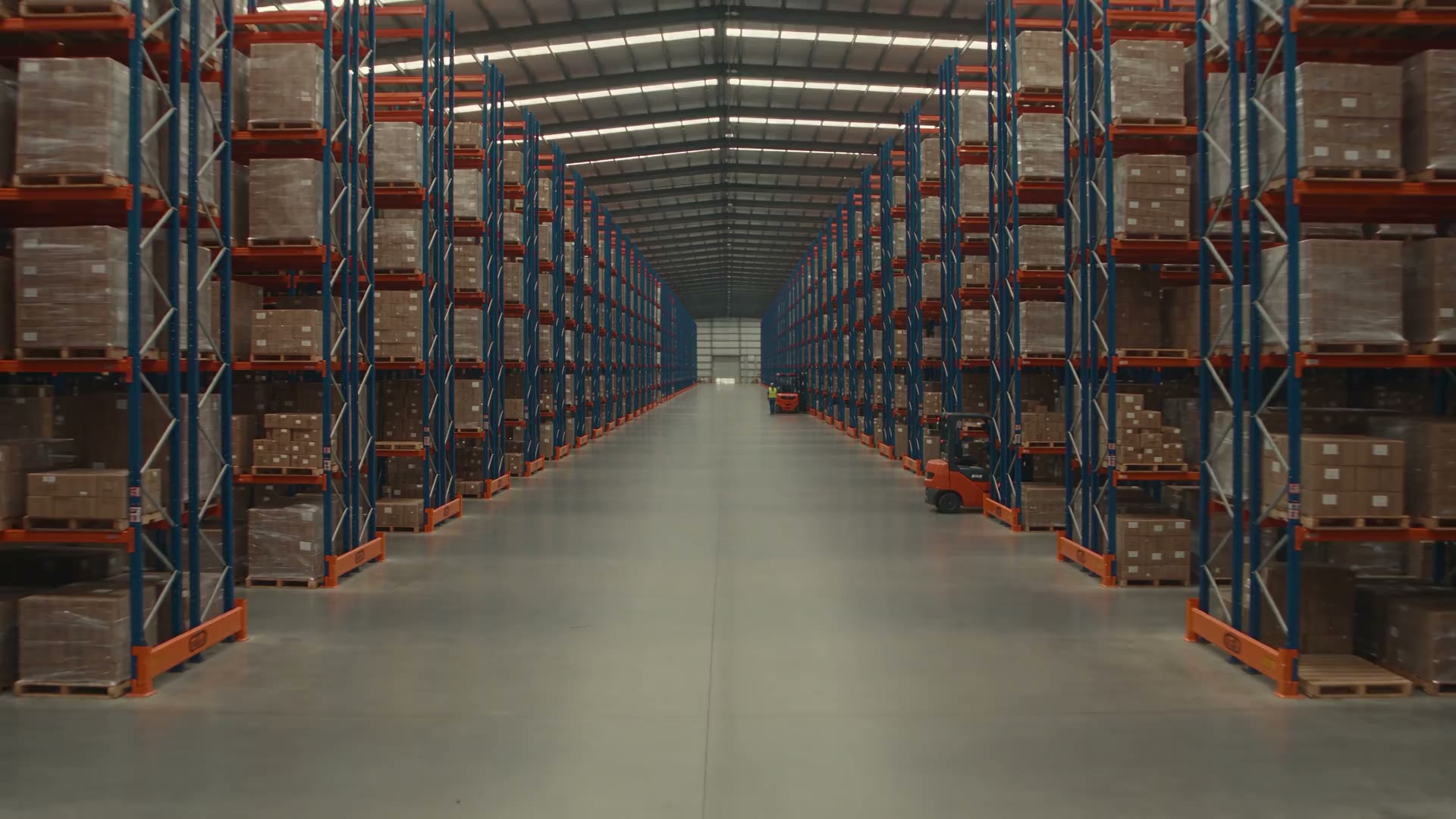
Map what matters.
Start with your entrances, aisles and priority areas. Identify the problem, then check the cameras that cover it.
Your cameras already record the story.
Give your team a chance to act on it.
Spot security events, flag safety concerns and see how your warehouse moves — with AI that works with compatible cameras you already own.
See it in your warehouse Start with a conversation about your site.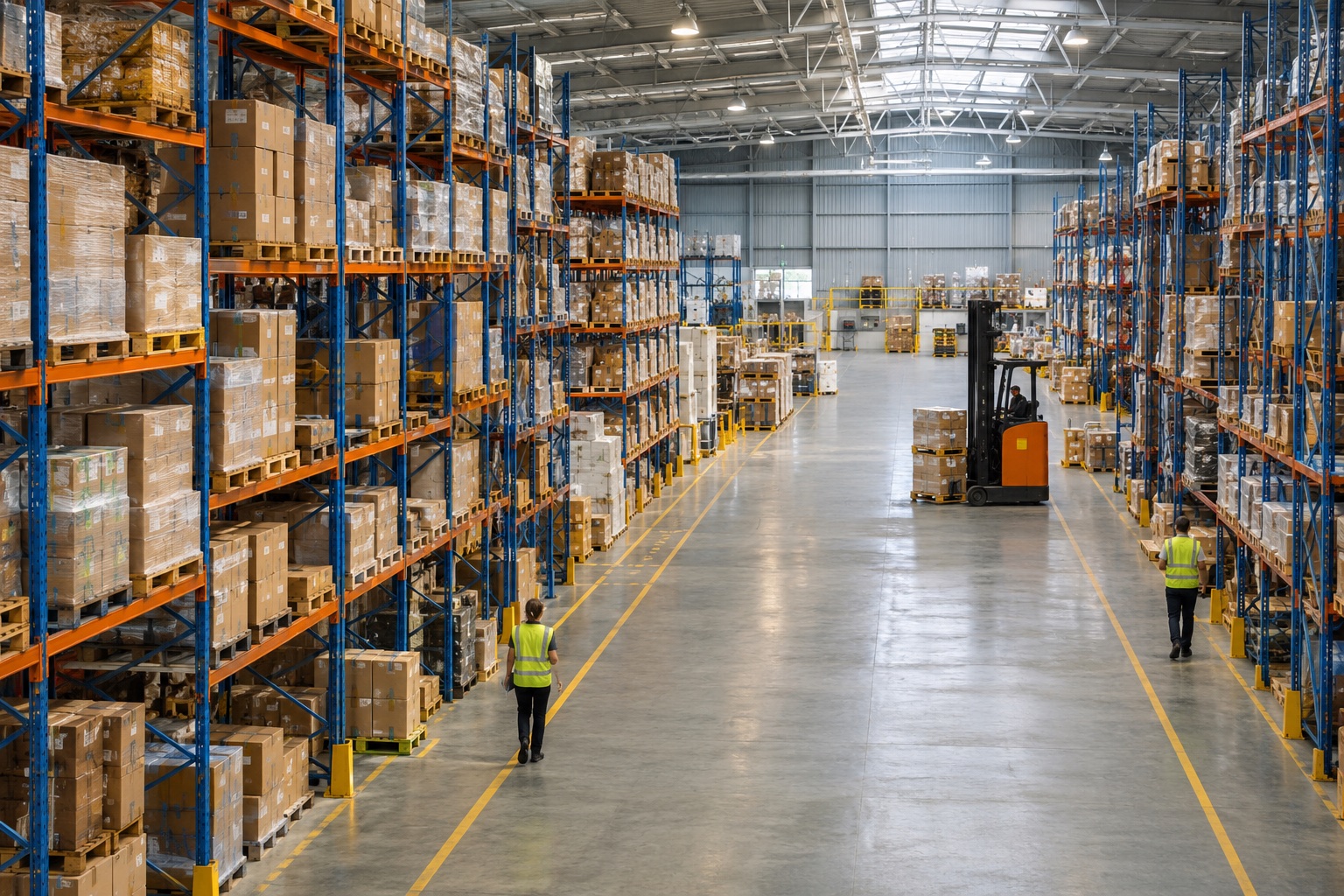
A camera can capture a problem.
That doesn’t mean someone sees it.
A busy shift. An unattended entrance. A safety issue buried in hours of footage. Your team has a warehouse to run — and a wall of camera feeds isn’t a second pair of hands.
Bring Optara’s AI video analytics to the places that matter most in your operation. Give your team more useful information when it’s time to make a call.
A closer look at what that meansStart with the problem you need to solve.
Then choose the cameras and detection models
that fit your site.
Illustrative examples · select a card to explore
Set boundaries around the areas that need attention. Optara’s perimeter detection can flag a person entering a configured zone, helping your team review what happened and decide what to do next.
A new layer of intelligence. Same familiar cameras.
We look at compatibility, camera coverage
and the events you want to know about.
Start with your entrances, aisles and priority areas. Identify the problem, then check the cameras that cover it.
Optara’s edge device processes video on-site. Configure the supported detection models around your environment.
Send relevant notifications to the right people. Your team reviews the event and remains in control of the response.
Designed for ONVIF-compatible IP cameras. Camera placement, image quality and your network are assessed before deployment.
You don’t have to solve every problem on day one. Shape the first deployment around a clear priority, then explore what else is useful.
Find your starting point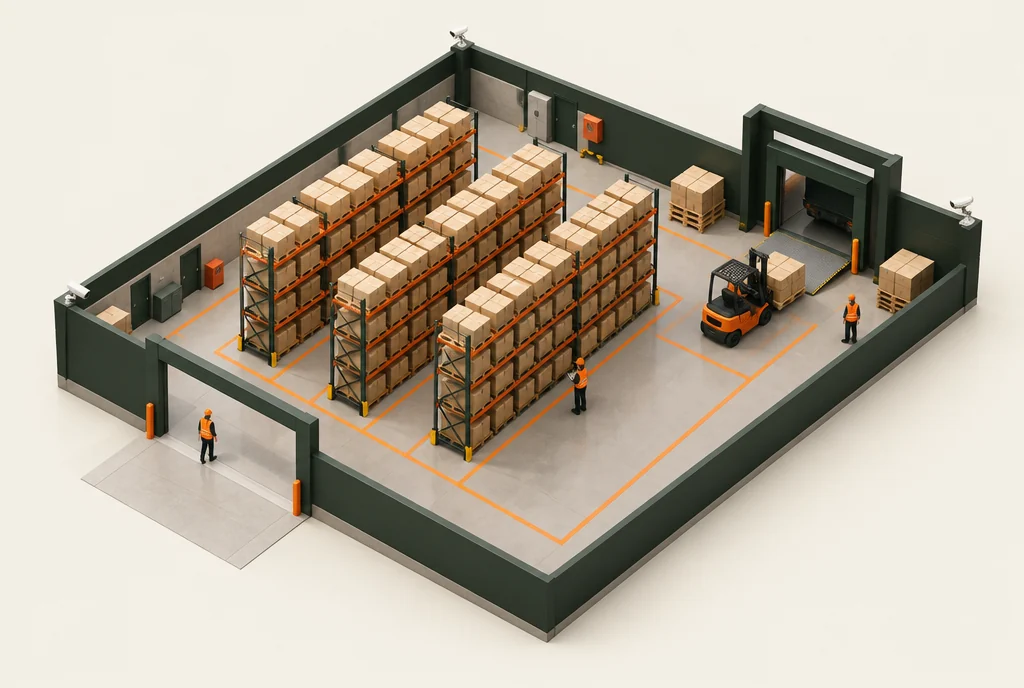
Select an area to shape your demo conversation.
Your site is its own environment.
Let’s start with the practical details.
Optara is designed to work with ONVIF-compatible IP cameras and existing recording infrastructure. A site assessment should confirm camera compatibility, coverage, image quality and network requirements.
Optara lists perimeter intrusion, PPE detection, safety alerts, people and vehicle counting, and other video analytics. The right selection depends on your goals and camera views. Ask for a demonstration of the exact scenario you need.
The proposed approach is to begin with selected cameras covering your priority areas. The supported configuration, camera capacity and subscription structure need to be confirmed with Optara for your site.
It gives your team additional information to work with. People still assess events and choose the response. Video analytics does not remove the need for appropriate security measures, safe work practices or human oversight.
Costs depend on the cameras, detection models and deployment your site needs. A site-specific quote should set out equipment, installation, subscriptions and support before you commit.
Optara describes on-site processing and cloud, on-premise or hybrid options. Before deployment, confirm where video and event data are stored, who can access them, retention settings and the requirements that apply to your workplace.
Bring us the problem. We’ll start with what you have, what you need to see and whether the technology fits.
01 Your site and your biggest concern
02 Relevant detection examples
03 Camera fit, deployment and pricing
No enquiry has been sent. You can download this brief or return to edit your details.