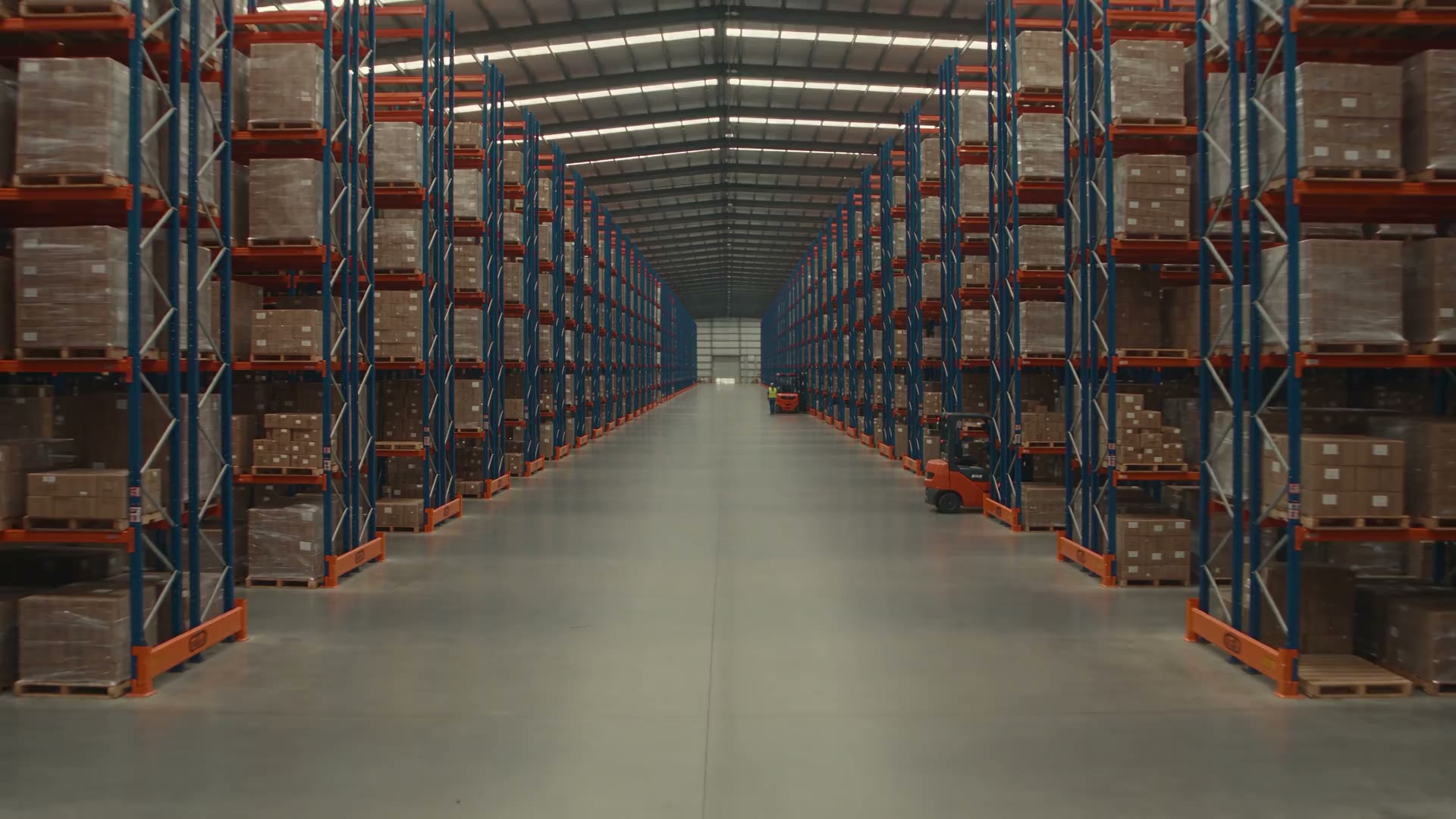
Choose one event.
Pick the moment you want to know about: a restricted-zone entry, a PPE concern or vehicle activity.
Turn footage from compatible warehouse cameras into alerts your team can review.
Start with one area, one event and the person who needs to know.
Discuss your warehouse Camera fit, useful alerts and a clear response plan.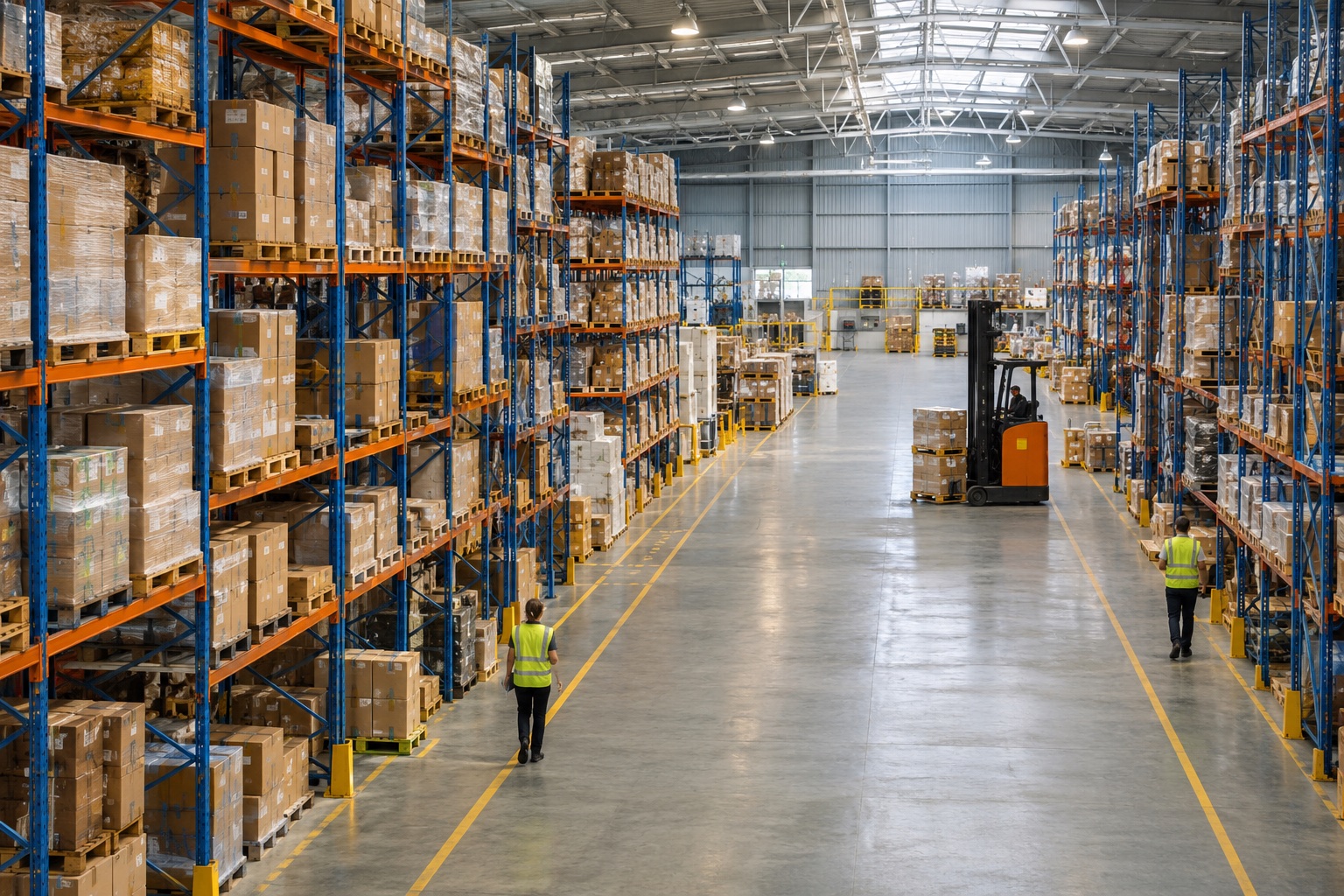
Recording an event isn’t the same as noticing it.
An open entrance. A missing hard hat. A busy loading area. Footage helps you look back, but someone still has to know where to look.
Give your team a specific event to review. Agree what matters, which camera can see it and who takes the next step.
See three warehouse examplesSecurity, visible PPE checks or daily activity.
Choose an example to see the workflow.
Illustrative examples · select a card to explore
Mark a restricted area in a suitable camera view. A person entering it can trigger an event for your team to check.
Compatible IP cameras connect to an on-site
Optara AI device. Your team reviews the events
and decides how to respond.
Pick the moment you want to know about: a restricted-zone entry, a PPE concern or vehicle activity.
Check camera compatibility, lighting and coverage. Test the event in conditions that reflect your site.
Decide who receives the event, who covers after hours and what happens next. An alert needs an owner.
Optara supports ONVIF-compatible IP cameras. Confirm the camera, view, network and detection you need before committing.
Pick one area of your warehouse. A useful demonstration should show what gets flagged, what gets missed and which alerts your team would actually want.
Discuss your warehouse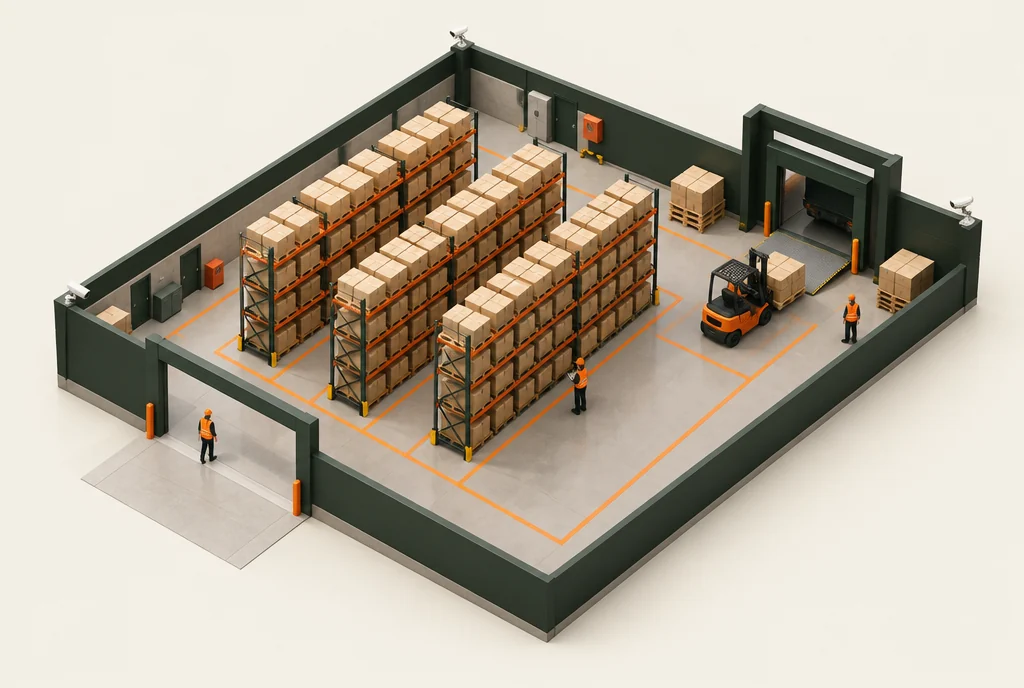
Select an area to add it to your discussion brief.
Camera fit. Alert quality. Costs. Support.
Get the practical details before committing.
Optara supports ONVIF-compatible IP cameras. Compatibility alone isn’t enough: the camera view, lighting, image quality and network must suit the event you want to detect. Start by checking the cameras covering your priority area.
That is something to test. Define the event and zone clearly, then review representative examples, unwanted alerts and missed events. A useful demonstration should reflect your working conditions, including night views where relevant.
The people you assign. Agree recipients, shift cover and escalation before deployment. An AI alert is not a staffed monitoring service or an emergency response commitment.
Start the discussion with one priority area and the cameras covering it. Confirm the supported setup and commercial terms with Optara before choosing the scope.
Ask for a site-specific quote covering equipment, installation, recurring fees and support. It should also make clear who handles setup, faults and ongoing changes. Pricing and service terms are still to be confirmed.
Optara describes on-site processing with cloud, on-premise or hybrid options. Confirm what data leaves the site, who can access it, how long it is kept and how staff are informed before deployment.
No system can guarantee that. Video analytics helps people review events; it supports your security measures, safe work practices and human judgement.
Start with what happens on your floor. Then work through the camera view, the alert and the person who needs to act.
01 The event you want to know about
02 Your cameras and a realistic demonstration
03 Response ownership, costs and support
No enquiry has been sent. You can download this brief or return to edit your details.